- Submission Guides: A - Z
- How do I contribute data to IMDb?
- Contribution Form Update
- Contribution of gender identity
- Contribution of birthdate
- I'm adding data for the first time; what are the top five things I should know?
- When will my update be added?
- Correcting existing data
- I tried to delete data, but it still appears on IMDb. Why?
- I submitted several data items at the same time. Why did you add only some of them?
- Contribution History
- How are user reviews displayed on IMDb?
- User review guidelines
- How do I add my review to IMDb?
- How do I edit, remove or report a review?
- Why didn't you post my review?
- Why would you display such a negative user review on a title page?
- How do you choose the review displayed on a title's main page?
- How can I submit additional verification for a credit submission?
- Adding new data
- Contributor top-tips
- I made a mistake with a submission. How can I correct it before it goes live?
- IMDb Update Status FAQ
- User Profile Badges
- How do I report copyrighted material?
- Collaborative Editing Services Terms & Conditions of Use
Contribution History
Updated 21-September-2026
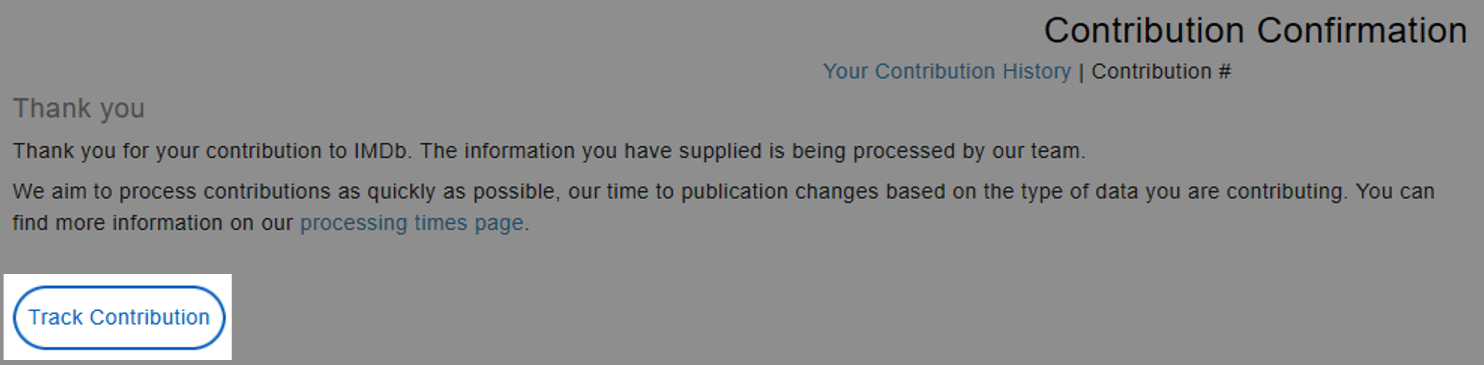
You can now track the status of your submissions (except Awards, Name Corrections/Merges and Title Corrections/Merges) and if they've not been approved, we'll tell you the reason why. In some cases, you might be asked to check whether your contribution is live and, if necessary, verify that your contribution is within our Submission Guides: A - Z and re-submit.
Please note, if the information listed within "Track Contribution" appears modified from your original submission - this means our staff may have made small edits to ensure the updates align with the policies surrounding that data type.
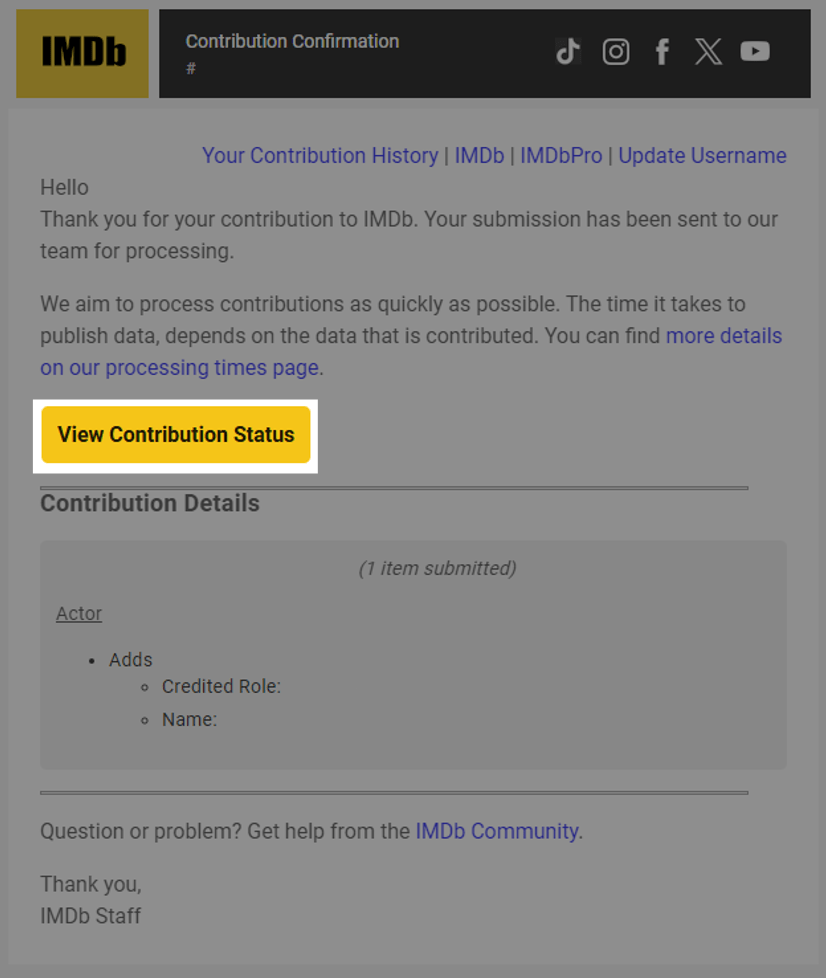
You can view this via the link in your contribution email sent to you and on your Contribution History page linked above. If you are using the mobile apps or the mobile/desktop website you can access this feature via the "Track your contribution" button, which has been added to the contribution email receipt.